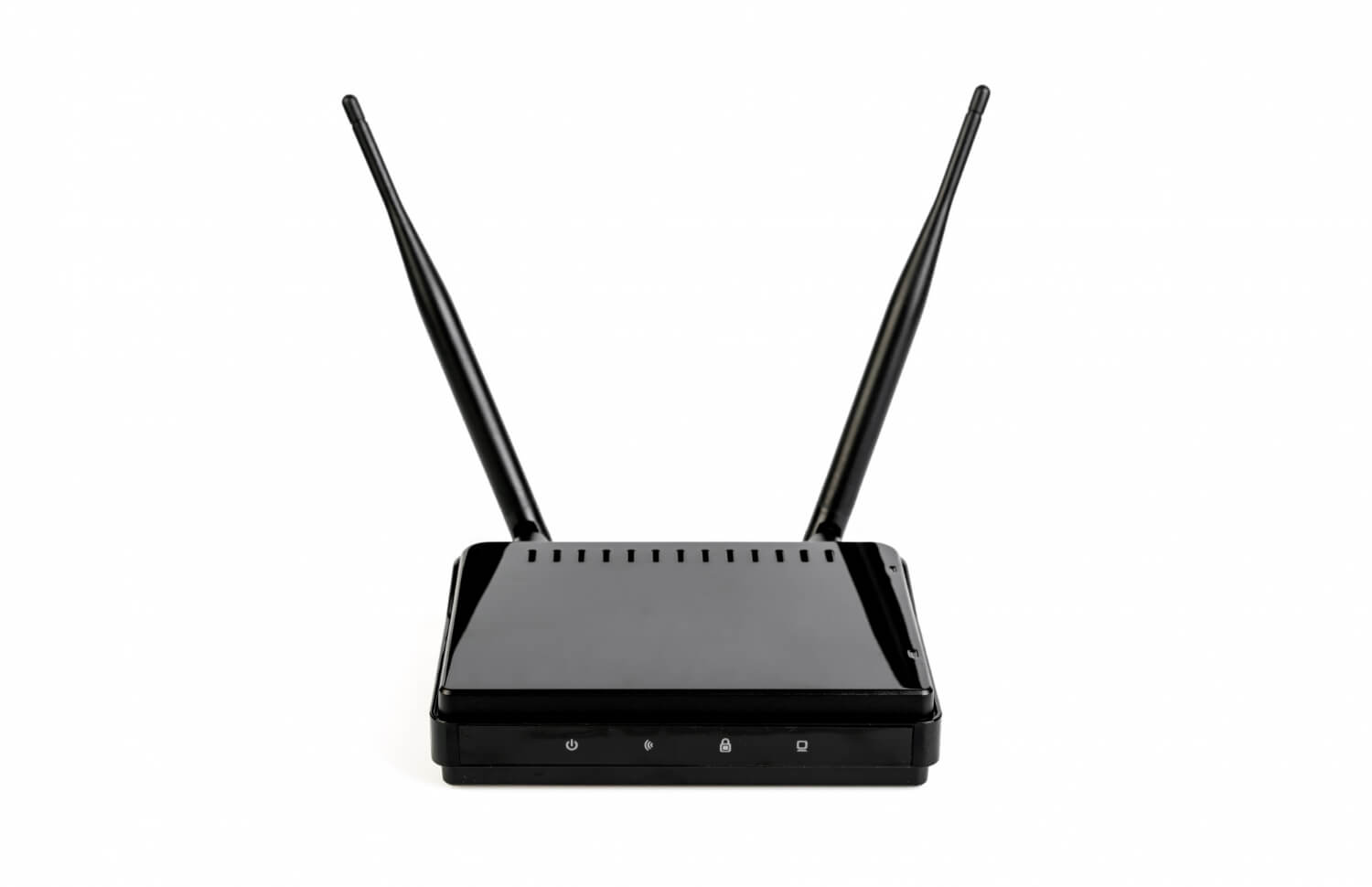
G’day folks, let’s dive into a topic that frustrates many of us, NBN issues. Whether it’s that dreaded connectivity loss right in the middle of a Zoom call or snail-like internet speeds that make you want to tear your hair out, we’re here to help you tackle those common National Broadband Network (NBN) hiccups and troubleshoot them like a pro.
Why Do NBN Issues Occur?
Before rolling up our sleeves and sorting things out, it’s good to understand the causes behind common NBN issues and why outages can happen in the first place. Knowing your enemy is half the battle won, right?
Network Maintenance
Just like your trusty ol’ car needs a service now and then, the NBN also goes through regular maintenance to keep things running smoothly. Sometimes, this upkeep can cause temporary outages. It’s planned, but inconvenient nonetheless.
Equipment Failure
Your modem, router, or even the NBN Connection Box can be the culprits here. Any failures or faults in these devices might lead to sudden service disruptions. Remember, these gadgets aren’t invincible.
Environmental Factors
Living in Australia means dealing with unpredictable weather. Storms, bushfires, floods—you name it. All these can wreak havoc on network infrastructures, leading to NBN outages.
Human Error
In rare cases, human beings are to blame. Maybe someone accidentally cut a cable while digging, or there was an error in installation. It’s not common, but it’s possible.
Troubleshooting NBN Issues Like a Pro
1. Check for Area Outages
Firstly, before troubleshooting NBN problems on your end, check if there’s planned maintenance or an outage in your area. It might just be that everyone’s in the same boat, and you’re not alone in this. Use the NBN network outages checker to get the scoop.
2. Inspect Your Cables and Connections
Have a look at your cables. For those with Fibre to the Premises (FTTP), check if everything between your NBN Connection Box and modem/router is connected and damage-free. Hairline cracks and kinks in cables can be sneaky little troublemakers.
3. Reset Key Equipment
More often than not, a simple reset can work wonders. Here’s how:
- Unplug the power from your NBN Connection Box.
- Wait a couple of minutes. Go on, take a breather.
- Plug it back in and fire it up.
- Allow a minute or two for the lights to stabilise. Ideally, power and optical lights should shine a solid green.
4. Inspect Indicator Lights
On fixed wireless connections, indicator lights provide clues. Power and status indicators should glow green. If they’re not, or if they’re blinking, it might be time to contact your provider for more help.
5. Tackling Wi-Fi Issues
Try plugging your device directly into the modem using an Ethernet cable. If it’s a-okay, then the Wi-Fi might be acting up. To shake things up:
- Restart your Wi-Fi network by disconnecting and reconnecting devices.
6. Device and Browser Tweaks
Check whether it’s your device or browser acting dodgy:
- Close your internet browser and fire up a new one.
- Try a different device to see if the problem persists.
Diving Deeper: Specific NBN Issues and Fixes
Location of NBN Connection Socket
The positioning of your NBN socket can impact internet speed and is one of several common NBN issues that usually go unnoticed. If it’s tucked away in some inconvenient corner, it might be time to consider relocating it closer to your main internet hub.
Phone and Alarm Systems
After the NBN install, some older phone sockets might stop playing nice and might need rewiring. For those with security or fire alarms, double-check these setups for compatibility before the chaps come around to install the NBN.
EFTPOS and Business-Related Devices
For businesses relying on EFTPOS or similar devices, these may face compatibility issues with the NBN. You might need to explore new gear or additional wiring solutions, especially if power outages are an ongoing concern.
Compatibility with Other Devices
Devices like emergency phones in lifts or even fax machines may not be on friendly terms with NBN setups. Best to check with your NBN provider beforehand.
Advanced Troubleshooting Tactics
Firmware Frustrations
Firmware updates on routers or modems can sometimes backfire, leading to connectivity headaches. If recent updates coincide with your issues, try reverting to a previous stable version.
Using a LAN Switch
In scenarios where the connection is still patchy, consider using a non-managed Gigabit LAN switch between your NBN device and your router to help stabilise things.
Getting Help from Your Provider
If you’ve gone through all the usual steps for troubleshooting NBN issues and still have no luck, it might be time to contact your provider. Here’s what to have handy:
- Your account number and address.
- The NBN Connection Box’s ID number.
- Status of NBN Connection Box lights.
- A list of troubleshooting steps already undertaken.
- Details about when the issues occur, like time of day and user numbers.
Thinking Ahead: Preventative Measures
Routine Maintenance
Keeping your equipment updated with stable firmware and checking it regularly can prevent many troubleshooting NBN issues down the line.
Protect Against Environmental Bits
Guard your tech gear against the elements. Surge protectors are your best mate against power surges and extreme temperatures.
Professional Installation
Instead of a DIY job, hire a professional to install and maintain your NBN installation.
Final Thoughts
Despite its designed reliability, the NBN can still hit a snag. By grasping the root causes and implementing effective troubleshooting steps, you can typically sort these issues swiftly. Should problems persist, your internet provider is just a call away with personalised solutions. Plus, routine checks and professional installations can save you from many future headaches.
If you’re after reliable support and fast help with common NBN issues, RBE Internet offers local expertise and friendly service across South Australia. Their team is ready to guide you through troubleshooting NBN issues or set you up with a better solution that suits your needs.
Good luck, and here’s to faster, more reliable internet!