Although internet outages aren’t something we encounter every day, they can still happen in Australia. The average rate of outages per day lasting longer than 30 seconds was 0.10 for services on other superfast networks and 0.14 for NBN very high-speed services.
When things go wrong, the first place to check is the NBN box status lights. These little lights give you key information about what’s going on with your connection. Whether it’s a flashing light, an orange glow, or a solid red, understanding what these status lights mean can help you troubleshoot before calling for support.
This guide will walk you through how to read those NBN status lights and what to do if something goes wrong. It’s all about making your life a little easier when the internet decides to misbehave.
What Are NBN Status Lights?
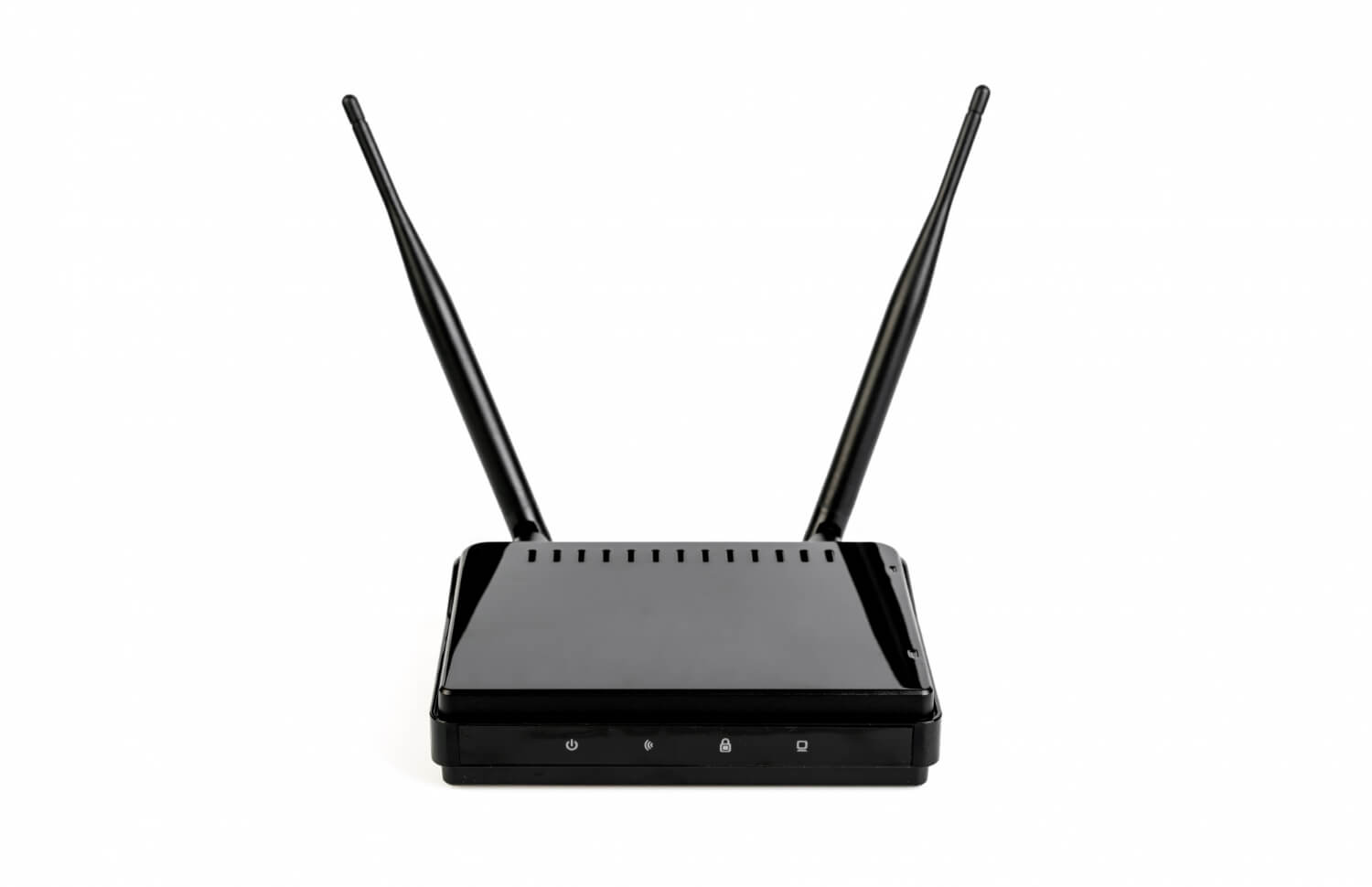
NBN status lights are indicators on your NBN box and modem/router that show the health of your connection. Each light serves a different purpose, providing real-time feedback on various parts of your internet setup.
Here’s a breakdown of the main lights you’ll encounter:
- Power: This light indicates whether the device is receiving power. A solid green means it’s on, while no light means it’s not powered.
- Downstream/Upstream: This shows data activity. A flashing light means the device is connecting or syncing, while a solid light indicates stable data flow.
- Online/Internet: It tells you if you’re connected to the internet. A solid light means a successful connection, and if it’s off, you’re not connected.
- LAN/Wi-Fi: LAN or Wi-Fi light shows device connectivity. A flashing light means data transfer is happening, and if off, no devices are connected.
These NBN status lights help you quickly spot issues, allowing for faster troubleshooting.
Common NBN Box Status Lights and Their Meanings
Learning to read the NBN box status lights is an easy way to track your connection’s health. These lights act as little messengers, telling you whether your internet is working smoothly or if there’s an issue. Knowing what each light means can save you time when troubleshooting.
- Power Light: This is the most basic indicator.
- Downstream/Upstream Lights: These lights show the data flow to and from your NBN device.
- Online Light: This one’s all about whether you’re connected to the internet.
- LAN/WAN Lights: These lights show whether devices are connected to your network.
Each of these NBN status lights tells you something specific about your connection, so paying attention to them can help you pinpoint and resolve issues quickly.
What Does an Orange Flashing Light on the NBN Box Mean?
When you see an NBN box status light flashing orange, it usually means one of the following:
- Connection in progress: When the light flashes orange, it means the device is trying to establish a connection or sync with the NBN network. This is common right after a restart or when reconnecting after a service interruption.
- Firmware update: The flashing orange light can also indicate that the NBN box is updating its software. Firmware updates are necessary for improving performance or adding new features, and this process can take a few minutes.
- Network or signal issue: A persistent orange light can signal a weak signal or an issue with your network connection. This could be due to line problems or poor signal strength, which might require further checks to fix.
If the orange light persists, here’s what you should do:
- Restart your NBN box and modem: Turn both off, wait for 30 seconds, and power them back on.
- Check all cables are securely connected: Make sure everything is plugged in properly, and there are no loose connections.
- Give it some time to stabilise: It can take a few minutes for the system to fully sync and settle.
If your NBN box status light keeps flashing orange after trying these steps, it’s best to contact your internet provider for further assistance.
What Does a Red Light on the NBN Modem Indicate?
A status light red on the NBN modem is a more serious warning. Typically, it means there’s a significant issue with your connection, such as:
- Service outage: A red light on the NBN modem may indicate a service outage in your area. This means the issue is likely with NBN’s network, and there’s nothing you can do to fix it yourself. You can check the NBN service status online to confirm if there’s an outage.
- Faulty hardware: If your modem or NBN box has a red light, it could be a sign of faulty hardware. It might need a repair or replacement. If the issue persists after power cycling, contacting your provider for a replacement could be necessary.
- Incorrect configuration: A red light may also appear if your device isn’t set up correctly. This could be due to incorrect settings, such as wrong login details or improper network configurations. Double-check your settings or contact your provider for assistance.
If you see a red light:
- Power cycle your modem. Turn it off, wait 30 seconds, and turn it back on.
- Check for NBN outages in your area by visiting their service status page.
- Be sure all cables are tightly connected to both your modem and the NBN box.
If the red light persists after all these steps, professional assistance might be necessary.
Quick Troubleshooting Guide Using NBN Status Lights
Here’s a simple, step-by-step process for troubleshooting using NBN status lights:
- Check power and connections: Keep all cables securely plugged in and be sure the modem and NBN box are powered on. A loose or unplugged cable can cause issues.
- Observe the light colours and patterns: Take note of which lights are flashing or solid, and their colours. This will help you identify what part of the connection process is having trouble.
- Restart the NBN box and modem: A quick power cycle can help clear minor issues and get your connection syncing properly again. Turn them off for 30 seconds before turning them back on.
- Test connection on multiple devices: Try connecting other devices to your network to see if the issue is device-specific or affecting the entire network. This helps narrow down the problem.
Be patient, as it can take a few minutes for the device to reconnect properly. Avoid resetting the modem too many times, as this could delay the process further.
When to Contact Your Internet Provider
Sometimes, despite troubleshooting, you might need professional help from your internet provider. Here are the situations when it’s best to contact them:
- Persistent red or flashing orange lights: If the red or flashing orange light remains on your NBN modem for a long period, it often indicates a more serious issue, such as a network fault or hardware problem that you can’t fix yourself.
- No internet after multiple restarts: If you’ve restarted your modem and NBN box multiple times, and you’re still not able to connect, it could signal a deeper connection issue that requires the attention of your provider’s technical support team.
- Frequent dropouts: If your internet keeps dropping out, despite a stable setup, your provider may need to investigate issues such as network congestion, faulty equipment, or issues on their end.
When reaching out to your provider, make sure to provide them with accurate information to help them resolve the issue quickly:
- Light status: Let them know which lights are showing on your NBN modem (e.g., red or flashing orange) as this helps them diagnose the issue faster.
- Duration of issue: Tell them how long the issue has been occurring, as this helps them understand if it’s a temporary problem or something more persistent.
- Steps already taken: Inform them of the troubleshooting steps you’ve tried, such as restarting the modem or checking connections. This will help avoid repeating steps and enable the technician to focus on finding a solution faster.
Sharing these details will provide a faster resolution and help your provider address the issue more effectively.
Tips to Prevent Common NBN Connection Issues
Taking a few simple steps to maintain your NBN box and modem can help prevent many connection issues before they arise. Here are some helpful tips to keep your internet running smoothly:
- Keep modem and NBN box in a well-ventilated area: Overheating can cause performance issues, so it’s important to place your modem and NBN box in a cool, ventilated spot. Avoid covering them or placing them in enclosed spaces where air circulation is limited.
- Avoid loose or damaged cables: Loose or frayed cables can interfere with the signal and cause interruptions in your connection. Regularly check all your cables for wear and tear, and make sure they’re properly connected to both the NBN box and your modem.
- Use quality routers compatible with your NBN connection: A good quality router provides better performance, faster speeds, and reliable connectivity. Make sure your router is compatible with the NBN technology you’re using, such as FTTP or Fixed Wireless, to avoid any compatibility issues.
- Regularly update firmware if applicable: Keep your modem and NBN box firmware up to date. Manufacturers release updates to improve performance, security, and fix bugs. Check your device settings regularly for available updates.
- Avoid overloading your network with too many devices: Too many devices using the internet at once can strain your connection, leading to slow speeds or dropouts. Try to limit the number of devices connected to your network, especially when streaming or gaming.
By following these simple tips, you can avoid common issues that might trigger warning lights and help keep your NBN connection stable and reliable
Final Thoughts: Stay Connected with a Better Understanding
Learning to read NBN status lights is a simple yet effective way to troubleshoot your internet connection. By recognising what each light means, you can save time and frustration, fixing many issues with a few basic checks and resets.
Make it a habit to monitor your NBN box status lights regularly, and you’ll be better equipped to handle any connection hiccups. With a little knowledge, you can keep your internet running smoothly and stay connected when you need it most. RBE Internet is one of the leading ISPs in South Australia, offering NBN-based internet plans for homes and offices. We also provide Australian support to all our clients. If you’re looking for a reliable internet service provider, contact us.