Navigating NBN Wi-Fi Plans for Your Compact Home
Living in a small apartment comes with its own set of perks—easy maintenance, lower costs, and a cosy vibe. But when it comes to finding the perfect NBN Wi-Fi plans, things can get a bit tricky. As a bloke from South Australia, I’d like to walk you through what you need to know to get the best internet deal for your small space.
Understanding NBN Connection Types
The National Broadband Network (NBN) offers a few connection types to suit different residential areas. Let’s break them down:
- Fibre-to-the-Premises (FTTP): This one uses fibre optic cables to connect directly to your home, offering top-notch speeds. Mostly found in urban areas.
- Hybrid Fibre Coaxial (HFC): A mix of fibre and coaxial cables, also common in cities, providing robust internet speeds.
- Fixed Wireless: Relies on radio signals from a nearby tower. Ideal for those just outside FTTP or HFC zones. Known for its reliability.
- Satellite: Used in hard-to-reach areas, this tech depends on satellite signals. Less preferred due to latency issues and data limits.
Picking the Right NBN Speed Tier
Speed matters, especially if you’re sharing the internet. Here are the available NBN speed tiers explained in layman’s terms:
- NBN 12 (Basic I): Good for browsing and social media. Downloads max out around 12Mbps.
- NBN 25 (Basic II): Slight upgrade for light users or small households.
- NBN 50 (Standard): Ideal for moderate-use homes with a couple of people streaming and surfing.
- NBN 100 (Fast): Best for large households or heavy users. Speeds go up to 100Mbps.
- NBN 250 (Superfast): Fantastic for share-houses or home businesses; up to 250Mbps.
- NBN 1000 (Ultrafast): Super slick with speeds up to 1Gbps. Suitable for hardcore users and only available on FTTP or HFC.
Fixed Wireless NBN Plans: An Option for Some Areas
If FTTP or HFC aren’t options where you live, Fixed Wireless has your back:
- It’s a steady connection with minimal congestion.
- Initial speeds hover around 12Mbps, perfect for the usual media consumption.
- Requires a direct line of sight to a local transmission tower.
Factors to Consider When Choosing an NBN Plan
Deciding on an NBN Wi-Fi plan involves balancing several factors:
Number of Users
For a home with multiple users or devices, consider plans with speeds of NBN 100 or higher to avoid lagging.
Internet Usage
If your main use is streaming and online gaming, opt for higher speeds. Browsing and social may only need NBN 12 or 25.
Available Connection Types
Not all areas have access to all connection types. Inquire if FTTP or HFC is available, as they offer faster and more reliable speeds.
Data Needs
Most plans include unlimited data, just perfect for heavy data users, but do double-check.
Simplifying Installation & Setup
No matter the connection, a smooth setup can make all the difference:
- An NBN-approved technician usually sets it up, ensuring everything is good as gold.
- You’ll need a NBN connection box as part of the kit.
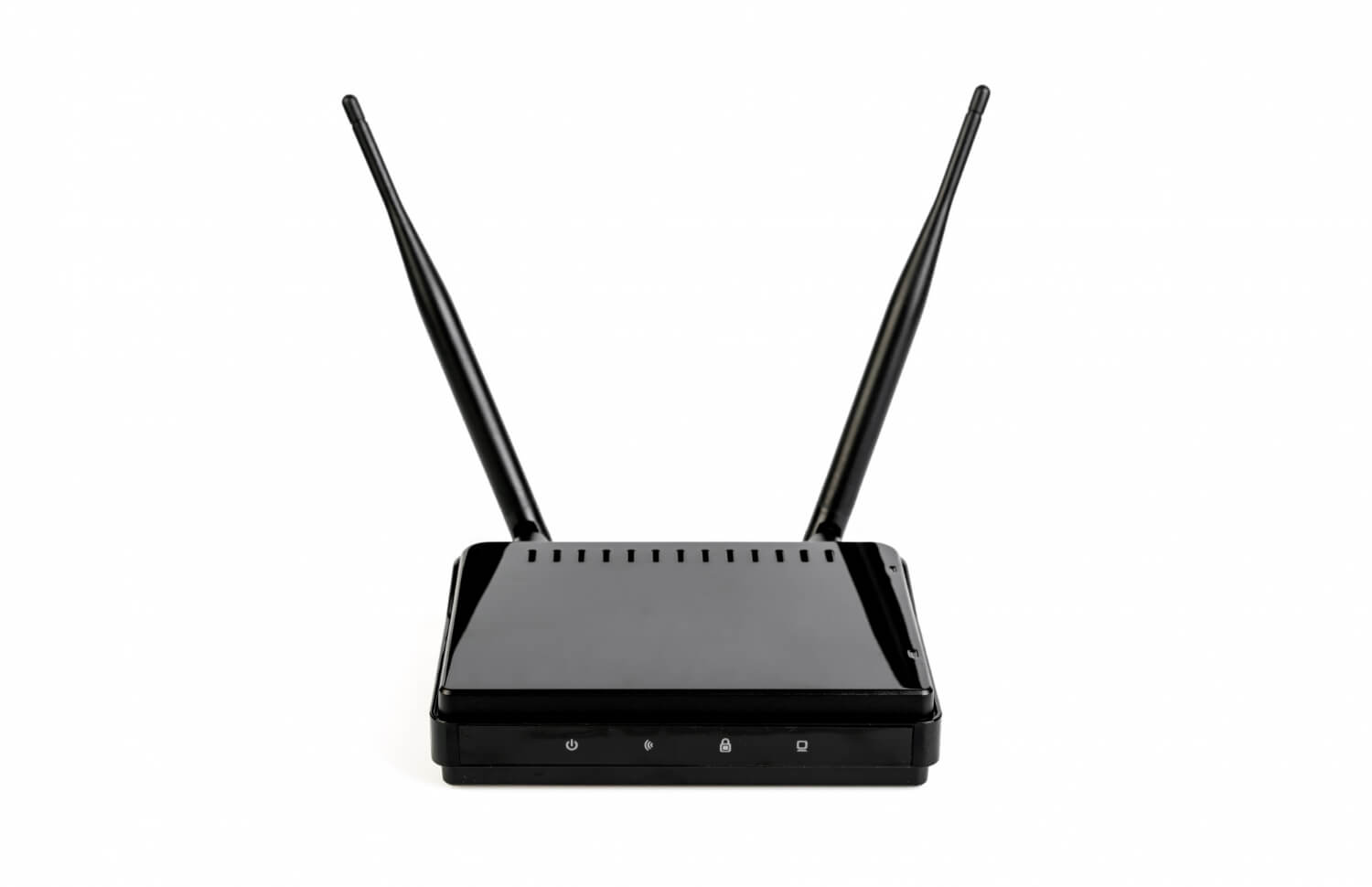
- A Wi-Fi router is typically included by your provider, along with the necessary cables.
Maximising Your Wi-Fi in a Small Space
In a snug apartment, making the most of your Wi-Fi depends on a few key tips:
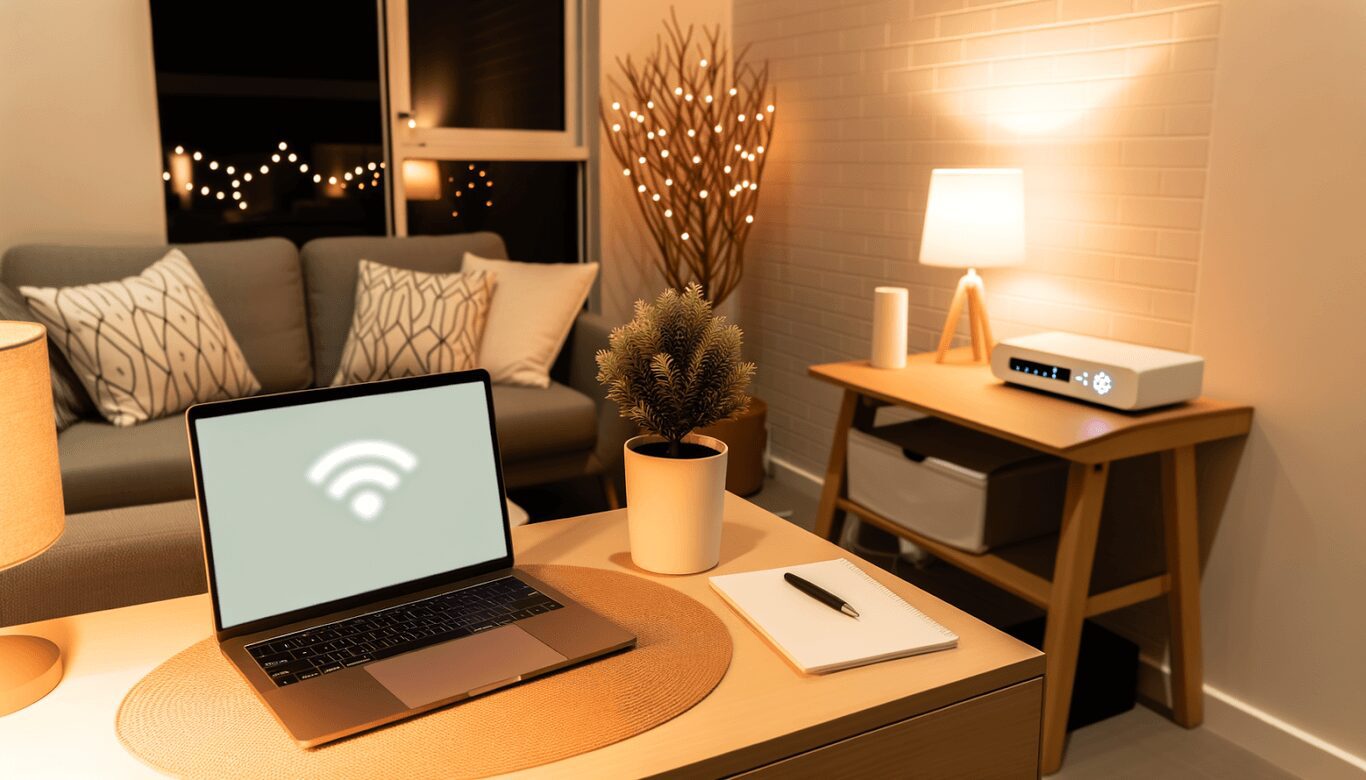
- Place your router centrally to minimise dead spots.
- Avoid placing the router near thick walls or metal objects.
- Consider using a Wi-Fi extender if your signal struggles to reach specific corners.
Conclusion: Choose Wisely to Get the Most for Your Money
Sorting out the right NBN Wi-Fi plan means understanding your needs and what’s available in your area. While it can be a bit daunting, knowing what’s on offer makes the process easier. From my experience, it’s all about matching your lifestyle with a plan that’s affordable and reliable. Happy surfing!