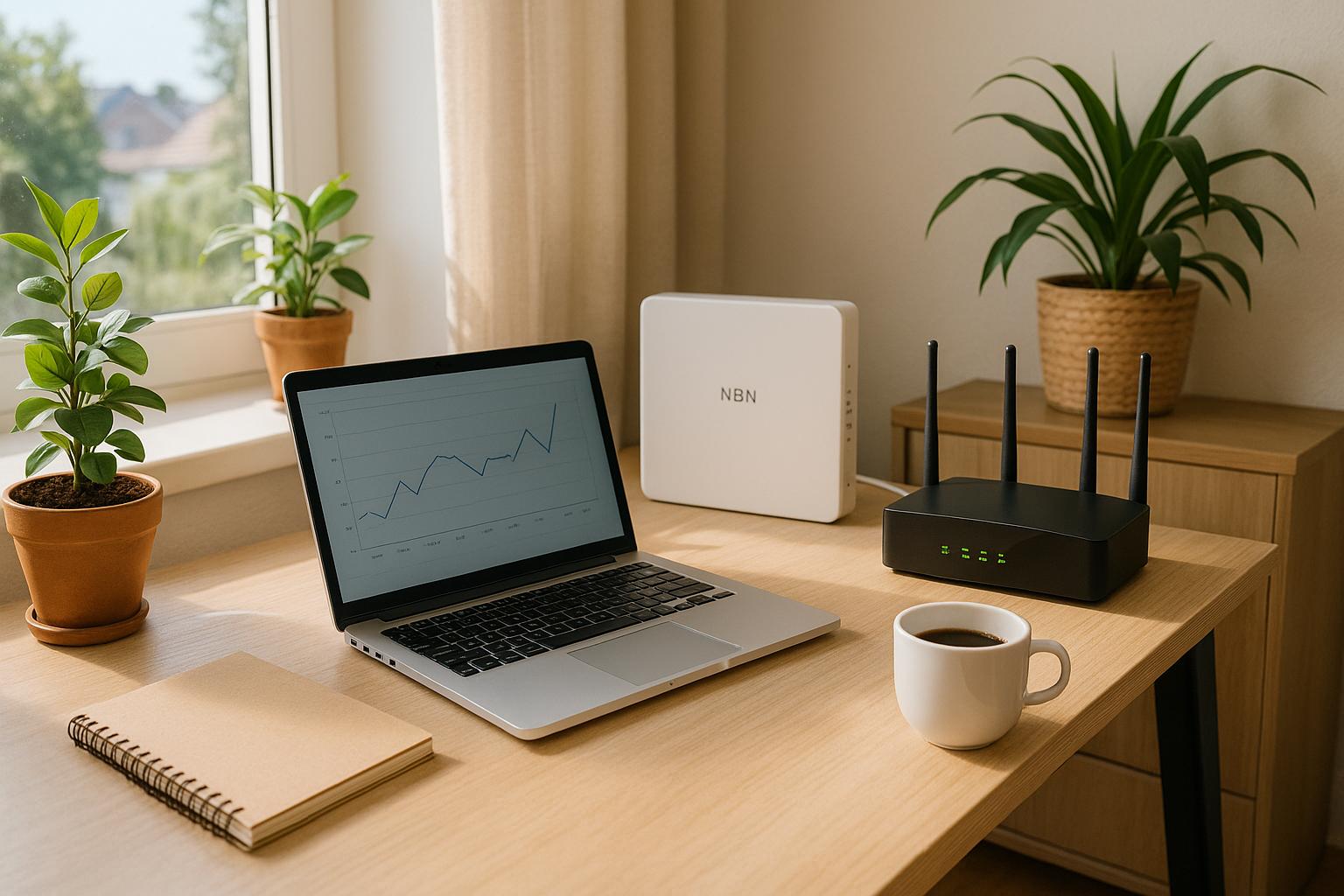
G’day mates! If you’ve ever found yourself screaming at your router when the internet suddenly goes out, you’re not alone. Here in South Australia, like in the rest of the country, we rely on the National Broadband Network (NBN) to stay connected.
So when there’s an NBN outage, it can feel like the modern equivalent of a power blackout. Let’s dive into the world of NBN outages to understand why they happen, how to deal with them, and how to prepare so you’re not caught off guard next time.
Understanding NBN Outages
The NBN is an intricate web of cables and connections designed to provide fast and reliable internet to Aussies everywhere. Despite its robust framework, outages are an inevitable part of maintaining such a complex system.
An NBN outage occurs when there’s a disruption to your internet service. These disruptions can happen for a variety of reasons, and understanding them is the first step in managing your internet woes, especially during a widespread internet outage in Australia when many households are affected.
Common Causes of NBN Outages
- Network Maintenance: NBN Co regularly performs maintenance to enhance the network’s efficiency, which can sometimes lead to temporary downtimes. The good news? These are mostly scheduled and communicated in advance. Keep an eye on your emails or text alerts from your service provider for a heads-up on these maintenance windows.
- Equipment Failure: Outdated modems, routers, or damaged cables could be a silent culprit for your internet troubles. A quick check on your gear might save you a lot of time and frustration.
- Environmental Factors: South Australia’s storms and bushfires can wreak havoc on NBN Internet infrastructure. Extreme weather can sever power lines or flood areas, invariably leading to outages.
- Human Error: We’re only human, and sometimes we just mess things up, accidentally unplugging cables or setting up equipment incorrectly can lead to NBN internet outages or slowdowns.
- Network Congestion: Ever noticed that your internet slows down during specific hours? When everyone jumps online simultaneously, it leads to congestion, causing slow speeds and dropouts, particularly in densely populated areas.
- Cabling Issues: The age-old Australian issue of outdated copper lines can hamper service, especially with Fibre to the Node (FTTN) connections. Have your cables checked regularly to avoid disruptions.
Troubleshooting NBN Outages
Before you start trying random fixes, a systematic approach is your best friend. Here’s how to troubleshoot NBN outages efficiently:
Check for Network Outages
Confirm whether there’s a reported outage in your area. Most ISPs provide an online NBN outage map displaying current disruptions, expected restoration times, and the number of affected households.
Inspect Your Equipment
If no outage reports are showing up, your equipment might be the culprit. Here’s what you need to do:
- Check Cables: Make sure that all cables are in top-notch condition and securely connected. Replace any frayed or damaged wires to prevent connection drops.
- Power Cycle Your Modem/Router: Turn off your device, wait a few minutes, and turn it back on. It can fix temporary connectivity problems.
- Check the NBN Connection Box: The lights on your NBN connection box should be solid blue. Red or unlit means it’s time for some action! Try switching it off at the power for 30 seconds before rebooting. As a last resort, reset the connection box with a pin pressed into the small reset hole for 10-15 seconds.
Conduct an Isolation Test
Even if the lights are blue and your connection still resembles a stubborn toddler, the problem might lie elsewhere:
- Unplug all Ethernet and telephone cables from the modem/router.
- Plug an Ethernet cable directly from the NBN box to your computer.
- Conduct a speed test. If the internet works, start reconnecting devices one by one to find the problematic gadget.
Check for Hardware Malfunctions
Test for faulty hardware, including modems and NBN boxes. If something seems amiss, contact your provider for expert help and necessary replacements.
Address Cabling Issues
Inspect all accessible cabling, especially in older homes where wear and tear can disrupt service. Sometimes, hiring a professional to check is your best bet to ensure everything is in top shape.
Correct Setup and Configuration
Double-check that all devices are connected properly and installed in the correct ports. Sometimes the problem is as simple as ensuring your router is placed strategically for optimum Wi-Fi coverage.
Contact Your Service Provider
If all else fails, don’t hesitate to contact your service provider. They can provide insights into broader network issues, such as a widespread internet outage in Australia, or arrange a technician visit if necessary.
Preventative Measures
Reduce future headaches by taking some preventive actions. Here’s how you can fortify yourself against potential outages:
Invest in High-Quality Equipment
Utilising modern and efficient modems, routers, and Ethernet cables can work wonders in strengthening your internet situation. If you’re still using the dusty old model your ISP sent over ages ago, it might be time to consider an upgrade.
Regular Maintenance
A regular check-up keeps cables and devices humming along without a hitch and can help prevent unexpected NBN internet outages. Update firmware, look for physical damage, and replace any dodgy components promptly.
Use an Uninterruptible Power Supply (UPS)
Nothing shouts ‘prepared’ quite like a UPS that keeps your vital connection boxes powered during a blackout. This gadget can provide relief during power interruptions, preventing sudden disconnects.
Final Thoughts
NBN Internet outages can be an inconvenience, but understanding their causes and knowing how to troubleshoot effectively will keep you ahead of the game. Practice regular equipment maintenance and smart preventive steps to minimise disruptions.
When an outage hits, stay calm, work through these steps, and reach out for provider support if required. A little preparation can go a long way in making sure you stay connected and stress-free!
If you’re looking for a provider that prioritises reliability and local support, RBE Internet has your back. Our team is committed to helping South Australians stay connected, even when the unexpected happens.