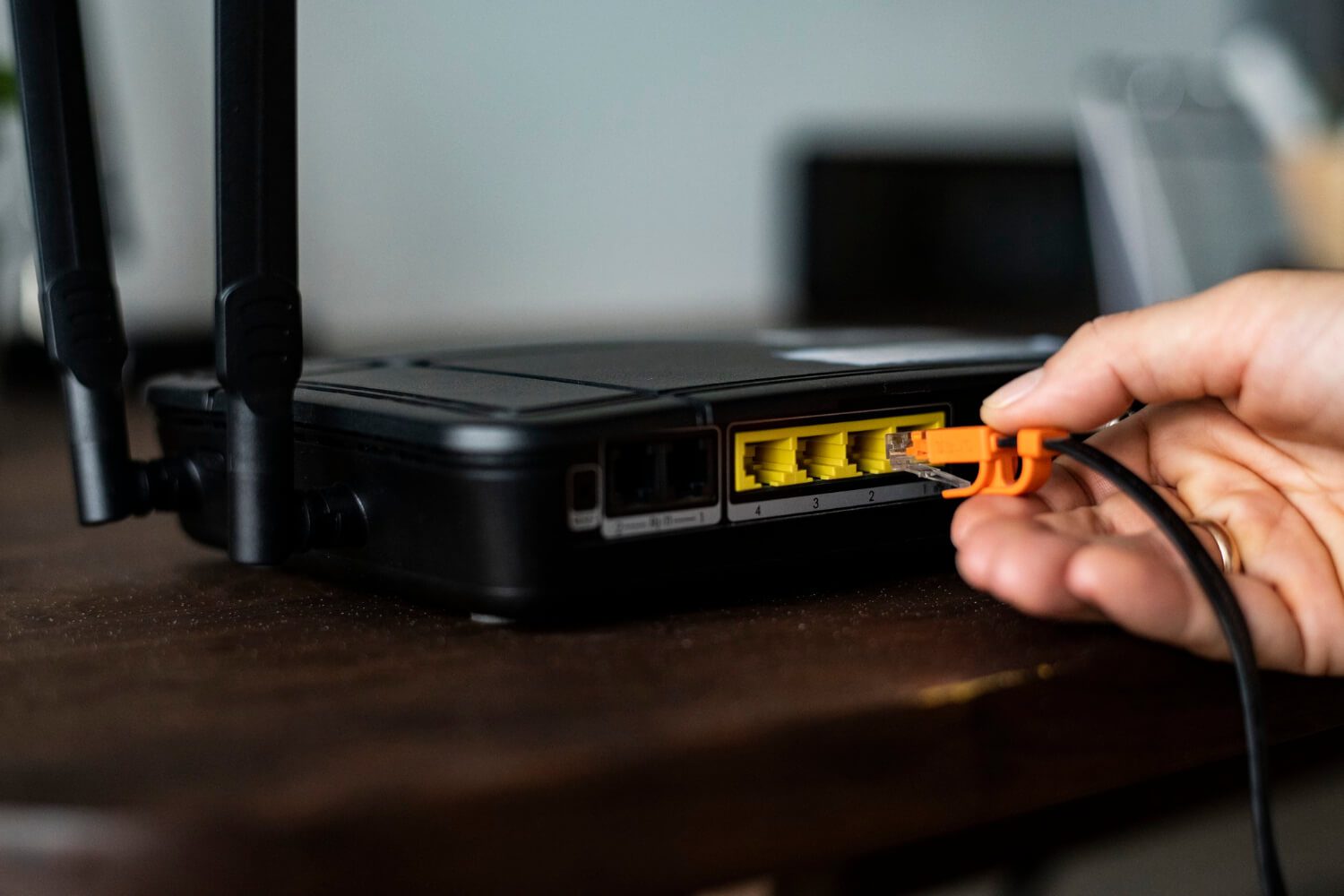
You finally upgraded your plan for faster NBN speed, but your connection still lags.
Sounds familiar? You are not alone.
Despite an average broadband download speed of 164.98 Mbps, many Australian households and small businesses still face video call freezes and slow downloads. The problem isn’t always your plan; it’s often your NBN router.
Many homes and small businesses in South Australia invest in fast NBN plans, only to be held back by routers not built for those speeds. Choosing the right router specs for your NBN speed tier makes all the difference between hitting full performance and wasting your bandwidth.
This guide gives clear, practical advice to help you pick an NBN router that matches your needs, without the tech jargon.
What are the Top NBN Speed Tiers in Australia
The NBN provides a range of speed tiers based on your plan and provider. Here’s a quick overview of each:
- NBN 25: With up to 25 Mbps download and 5 Mbps upload, this tier is ideal if you mostly browse the web or stream on one or two devices. It’s a good fit for basic internet needs in your home.
- NBN 50: Offering up to 50 Mbps download and 20 Mbps upload, this NBN plan suits your household if you stream HD videos, work from home, or have a couple of people online at once.
- NBN 100: With speeds up to 100 Mbps download and 40 Mbps upload, you’ll enjoy smooth 4K streaming, online gaming, and fast downloads, even when your whole family is connected.
- NBN 250: At up to 250 Mbps download and 25 Mbps upload, this tier is great if you have many devices, smart home gadgets, or want ultra-fast streaming and large file transfers.
- NBN 1000: Delivering up to 1000 Mbps download and 50 Mbps upload, this is perfect if you demand the absolute fastest speeds for your smart home, heavy downloads, or professional needs.
If you only browse or stream lightly, NBN 25 or 50 will suit your needs. For more intense streaming, gaming, or multiple users, NBN 100 and above will provide the performance you expect.
Why Your Router Must Match Your NBN Speed Tier
Your NBN speed tier is only as fast as your weakest link. If your NBN router can’t handle the speed tier, it becomes a bottleneck. Outdated routers with old Wi-Fi standards or slow processors can cut your internet performance in half.
The advertised NBN speed is what the network can deliver under ideal conditions. Actual speeds drop sharply if your router lacks the power to process the data quickly. To put this in context, using an old Wi-Fi 4 router with an NBN 100 plan is like putting bicycle tyres on a race car.
Key Router Specs You Need to Know
Your router specs determine how well your internet performs, which in turn decides how your online experience will be. Here are four core areas that matter most.
Wi-Fi Standards (Wi-Fi 5 vs Wi-Fi 6 / 6E)
The Wi-Fi standard your router uses affects how well it connects with your devices. Wi-Fi 6 and Wi-Fi 6E routers manage multiple devices more efficiently and can deliver faster speeds, making them ideal if you’re on higher NBN speed tiers like 250 or 1000.
Upgrading to a Wi-Fi 6 or 6E router also prepares your home for the latest devices and ensures stronger coverage throughout larger spaces. This way, you get more reliable connections wherever you are in your home.
Maximum Throughput and Bandwidth
A router’s throughput describes its top data-handling capacity. Many routers advertise high throughput, but the real performance depends on the NBN speed and how traffic is distributed between your devices.
Upgrade your NBN router. Look for dual-band or tri-band routers. Dual-band offers both 2.4GHz (better range) and 5GHz (faster speeds). Tri-band adds an extra 5GHz or 6GHz band, giving more breathing room for gaming, streaming, and work calls.
CPU and RAM Inside the Router
Your router has its own processor and memory. These affect how efficiently it can handle streaming, gaming, and multiple devices.
For higher NBN speed tiers, choose a router with a multi-core CPU and at least 256MB RAM. A stronger CPU and more RAM reduce lag, improve response time, and make your NBN router run more smoothly under load.
Ethernet Ports and Wired Performance
Ethernet still delivers the most stable connection. Gigabit ports are standard on good routers, giving up to 1000 Mbps wired performance.
If you subscribe to NBN 250 or NBN 1000, look for routers with multi-gig Ethernet ports (2.5G or 5G). These ports prevent the wired connection from capping your speed. Wired connections are ideal for gaming consoles, smart TVs, and office computers that need stable performance.
Match Router Specs to Your NBN Speed Tier
Not all routers fit every NBN speed tier. Here’s how to match your router specs to your plan type.
Best Router Specs for NBN 25 & NBN 50
Entry-level routers are usually sufficient for these tiers. Look for:
- Dual-band Wi-Fi 5 support
- 2 to 4 Ethernet ports
- Basic processor and at least 128MB RAM
These work well in small homes or apartments with light internet use, such as video streaming and web browsing.
Best Router Specs for NBN 100
For medium households or home offices, step up your router specs. Choose:
- Dual-band or tri-band routers with Wi-Fi 6
- Gigabit Ethernet ports
- Quad-core processor with 256MB+ RAM
This provides strong signal coverage and stable connections for working from home, HD streaming, and online gaming.
Best Router Specs for NBN 250 & NBN 1000
For higher NBN speed tiers, performance matters. Look for:
- Wi-Fi 6 or Wi-Fi 6E routers
- Multi-gig Ethernet ports
- 512MB or more RAM and strong multi-core processors
- Tri-band or mesh Wi-Fi capability
These routers deliver the full potential of high-speed plans and reduce latency for smart homes and offices that connect many devices.
Coverage, Home Size & Device Count Considerations
Your NBN router’s performance is strongly influenced by how and where you set it up. If you live in a large or multi-storey home, you might notice weaker signals in certain rooms.
- If you have a bigger home, mesh Wi-Fi is your best option. With several nodes placed throughout your space, you’ll enjoy seamless coverage and fewer dead zones, no matter where you are in your home.
- For smaller apartments or homes, a single router with robust Wi-Fi 6 capabilities should be enough. You’ll get fast, consistent coverage without needing extra equipment, making setup simple.
- Always place your router in a central, open spot, away from thick walls or large appliances. This helps you maximize your signal strength and make sure all your devices get a reliable connection.
Proper router installation and smart placement can make a bigger difference to your speed and reliability than you might realize.
Router Installation: What You Should Know
How you set up your NBN router affects your daily experience with the internet. Setting it up right from the start saves time and frustration later.
DIY vs Professional Router Installation
DIY setup works fine for simple homes with basic needs. Most modern NBN routers come with clear guides.
However, professional router installation is better when you:
- Use high-speed tiers like NBN 250 or NBN 1000
- Live in a home with multiple floors
- Want to set up a mesh network or smart home devices
Professional NBN installation optimises cable placement, Wi-Fi channels, and configuration for top-speed performance.
Common Installation Mistakes to Avoid
- Poor placement: If you put your NBN router in a corner or inside a cupboard, your Wi-Fi signals can get blocked. Always place your router in a central, open area to give all your devices the best possible coverage.
- Incorrect configuration: Setting up your router with the wrong settings can slow down your internet or leave your network vulnerable. Take the time to review instructions and use the recommended security settings for your connection.
- Outdated firmware: If you don’t update your router’s firmware, you miss out on important performance improvements and security fixes. Make it a habit to check for and install updates to keep your network running smoothly.
By avoiding these common mistakes, you’ll set up your router for the best performance and make sure you get the most from your NBN speed tier.
Extra Features Worth Considering
When you’re comparing router specs, keep an eye out for these extra features, as they can boost your convenience and security. Look out for:
- Quality of Service (QoS): This lets you decide which devices or applications get the most bandwidth. You can prioritise things like gaming or streaming to keep your experience smooth, even when other devices are online.
- Parental controls: With these, you can manage and limit internet access for specific users or devices in your home. It’s especially helpful if you want to set boundaries for kids or control screen time.
- Security updates: Routers that receive regular firmware updates help protect your network from new threats. Keeping your router up to date ensures your internet connection stays secure.
- NBN provider compatibility: Not all routers work equally well with every Australian ISP. Choosing a router that’s compatible with your NBN provider helps you avoid setup hassles and ensures you get the speeds you’re paying for.
These features can greatly enhance your everyday internet experience and keep your home network safer.
Frequently Asked Questions (FAQs)
Choose the Right Router for Your NBN Speed Tiers
Your NBN connection is an investment, and your router determines how much of it you actually use. Picking a router with the right specs, matching your NBN speed tier, and installing it correctly turns your plan into a performance-driven machine.
If you’re in South Australia and want reliable broadband without the confusion, RBE Internet can help you choose, install, and optimise your NBN router for your home or business. We provide personalised solutions, depending on your requirements and with Australian support. Select your NBN plan or contact us if you need more details.