Switching from your trusty old DSL connection to the new kid on the block, the NBN, might seem like a daunting task. But don’t fret; I’ve been there myself, and I’ve got some insights to share with you. If you’re living in South Australia or anywhere else in the country, this comprehensive guide is aimed at helping you through the transition smoothly. Let’s dive into the details.
Step 1: Check NBN Availability
Before doing anything else, it’s indispensable to confirm if the NBN is up and running in your locality. While the NBN covers a wide stretch of Australia, each area might have a different NBN connection type. You can easily check this by visiting the NBN Co website or ringing up your favourite ISP.
Step 2: Understand NBN Connection Types
Once you’ve confirmed availability, it’s time to get a grip on the different types of NBN connections. You might encounter terms like Fiber to the Premises (FTTP), Fiber to the Node (FTTN), Fiber to the Building (FTTB), Hybrid Fiber-Coaxial (HFC), and Fixed Wireless. Each of these has unique installation and performance characteristics. Knowing your type helps you prepare for the installation process—so, take note!
Step 3: Choose Your NBN Plan
Now, let’s talk about plans. In the NBN jungle, you’ve got various plans differing in speed and data allowances. From NBN 12 for basic use to NBN 1000 for full-on streaming and gaming adventures, there’s something for everyone. Make sure you pick a plan that matches your family’s needs and online activities.
Step 4: Order Your NBN Plan
The next step is to officially place your order. Whether it’s online, on the phone, or in a shop, get that new connection rolling. Your ISP will take it from there, organising everything required to switch you from DSL to NBN, including any necessary equipment and installation arrangements.
Important Note: Do Not Cancel Your Existing Plan Yet
Here’s a critical tip: keep your current DSL plan active until your NBN connection is operational to avoid internet downtime. This way, you’re not left without access to your favourite cricket matches or keeping in touch with the kids online.
Step 5: Prepare for Installation
Equipment Needed
Many NBN plans come bundled with a new NBN-ready modem. If not, you might need to purchase one or ask your ISP to include it in your package.
Installation Appointment
Your ISP will organise a time for installation, so make sure someone’s home during that period. It’s usually best to ensure easy access to the installation areas.
Self-Installation
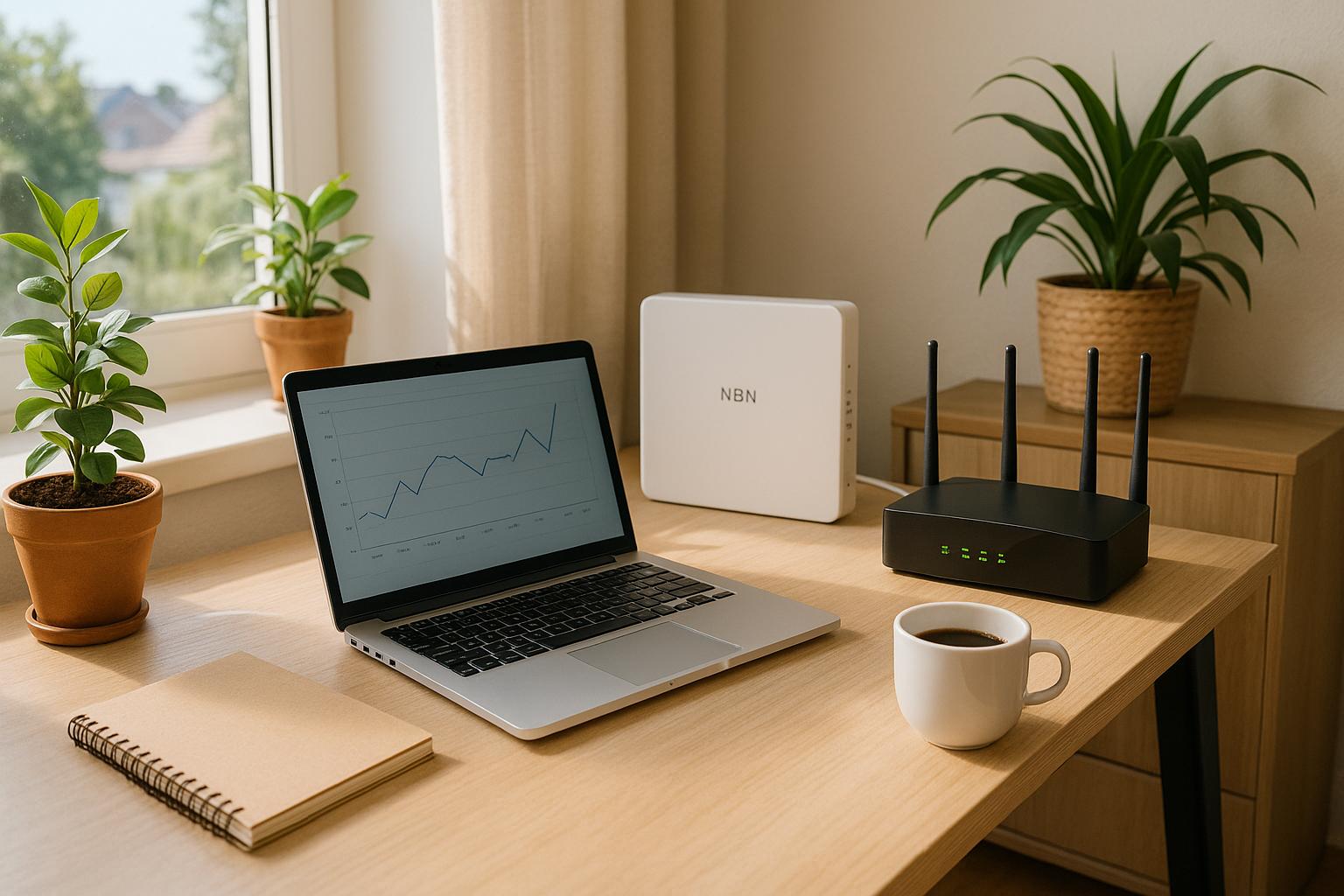
Depending on your connection type, like FTTP, you might be able to DIY the installation, which involves connecting an Ethernet cable from the NBN box to your modem.
Installation Process
Technician-Assisted Installation
If a technician is necessary, here’s what typically unfolds:
- Connection to NBN Box: The technician hooks up the NBN service to the NBN box at your place.
- Modem Setup: They’ll make sure your modem is properly set up and connected.
- Testing the Connection: The final check is to ensure everything’s running smoothly.
Self-Installation
Needless to say, if you’re more of a hands-on bloke (or gal), here’s what you’ll do for simpler hookups:
- Connecting the Ethernet Cable: Just plug an Ethernet cable from the NBN box to your modem.
- Powering On: Fire up your modem and let it sync with the NBN network.
- Configuration: Follow the instructions from your ISP to configure settings.
Post-Installation
Testing Your Connection
Once everything is set up, it’s testing time! Fire up your laptop, connect it either through Ethernet or Wi-Fi, and check if your internet’s firing on all cylinders.
Troubleshooting
If the signal isn’t delivering, contact your ISP for a bit of troubleshooting. Common hiccups might involve modem settings or cable issues, but don’t worry—they’ll guide you through it.
Preparing Your Home
Ensure Access
Make sure the technician has easy access to areas where the NBN gear will be parked.
Existing Cabling
Got some older wiring? It might need an update to play nicely with the new NBN connection.
Power Requirements
Ensure there’s a power socket handy where the NBN box and modem will be stationed.
Conclusion
Switching from DSL to NBN should not be a cumbersome affair if you understand the steps and prepare appropriately. Let’s give a quick recap:
- Check NBN Availability: Confirm it’s available at your place.
- Choose Your Plan: Pick a package that fits your lifestyle.
- Order and Install: Place the order and prepare for the swap.
- Test and Troubleshoot: Ensure the setup works and fix issues.
- Understand Additional Costs: Be aware of any non-standard installation fees.
Arm yourself with this guide and get ready to experience a slicker, faster, and more reliable internet connection courtesy of the NBN. Happy browsing!